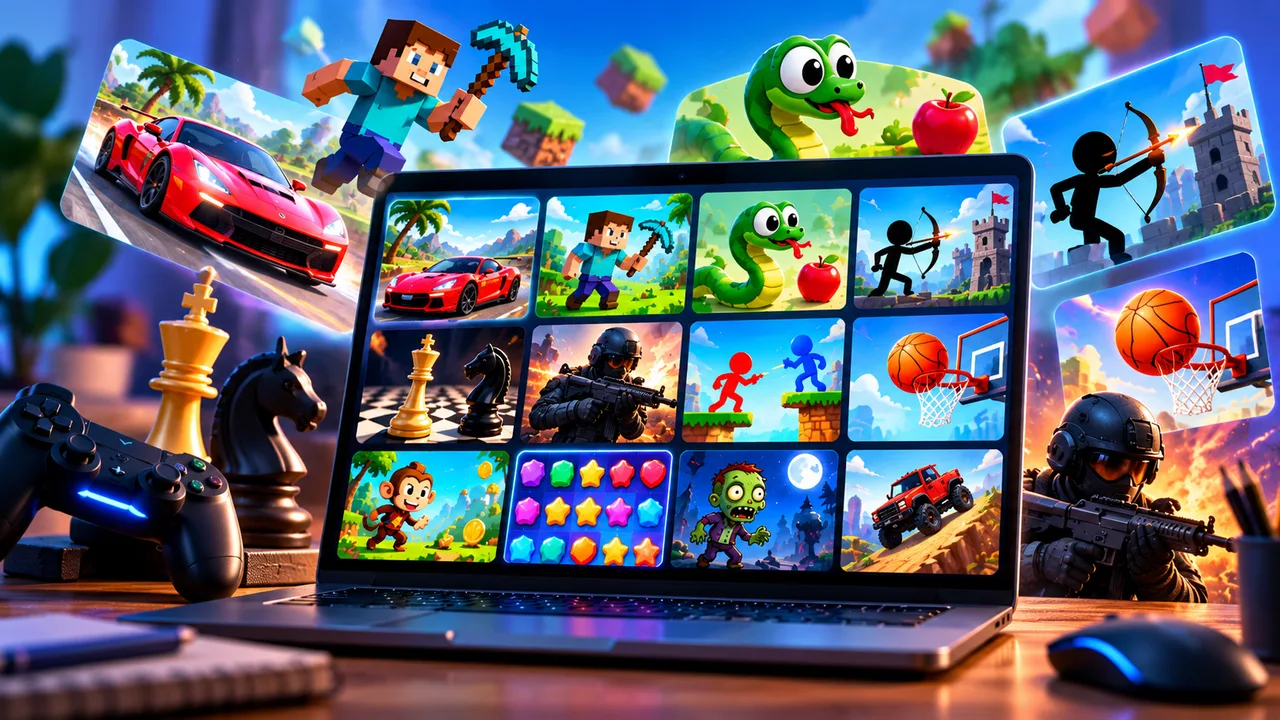
There are two ways to play games on a phone. You can install an app from the App Store or Google Play, or you can open a game in your browser and start playing straight away. Each has its place, and this guide covers both.
One thing up front: we have not reviewed the app-store games below. Our notes come from public information about each game, and we point out the money side of things, because that is what usually catches people out.
Games you can play on your phone's browser
Browser games need no download and no account, so they suit short sessions. These are games in the MoonStar catalogue that list mobile support:
Puzzle and brain games
- Color Sort Puzzle: Water Sorting is a liquid sorting puzzle where you pour coloured water between bottles until each bottle holds one colour. It has hundreds of levels and no time limit, so it suits a slow evening.
- Nuts Puzzle: Sort by Color has you move coloured nuts between screws, planning a few moves ahead, with undo and reset if you get stuck.
- Memory Cards is a memory challenge with levels that get harder as you progress.
Arcade and racing
- Snake is the classic. You steer by swiping or tapping on-screen arrows, and a run takes a couple of minutes, which makes it ideal for queues.
- MR Racer has supercars, traffic and several game modes, with an easy-to-control car.
- Motorcycle Racer: Road Mayhem has touch controls and bike upgrades.
Shooters
- Road Chase Shooter is a vehicle chase game with a long list of weapons across more than 50 levels.
- RIVALS FPS is a free multiplayer shooter with colourful graphics. Online shooters are tougher on a touch screen, so expect an adjustment period.
You can browse more on the puzzle and arcade pages. Performance depends on your phone and connection, and some games play better in landscape.
Well-known app store games
If you want something bigger, these are widely played and worth knowing about. Always check the current price and reviews in your store, since both change.
Balatro
A poker-based roguelike deck-builder that came to iOS and Android on 26 September 2024. It launched as a paid game at $9.99, and on iOS it is also offered through Apple Arcade. It is a good pick if you like card games with strategy and don't want in-app purchases pushing you around. Prices may have changed, so check the store.
Call of Duty: Mobile
A free-to-play shooter on iOS and Android. It is free to download, with optional purchases. If you play it, set a spending limit before you start.
Brawl Stars
Supercell's fast, short-match multiplayer game, free to download with optional purchases. Matches are brief, which suits a phone.
Genshin Impact
A large open-world action RPG, free to download, that also runs on PC and consoles. Like many games of its type, it uses a "gacha" system where you spend in-game currency, or real money, for random character and item draws. It is fine to enjoy without spending, but it is worth knowing what you are getting into.
Browser game or app: which is better?
| Browser games | App store games | |
|---|---|---|
| Download | None | Required |
| Storage space | None | Can be large |
| Account | Usually none | Often needed for progress |
| Depth | Short sessions, simple | Often much deeper |
| Offline play | Needs a connection | Some work offline |
| Spending | Ads, mostly | Ads and in-app purchases |
Tips for picking mobile games sensibly
- Check how the game earns money. Ads are annoying but harmless. Timers and random loot boxes are designed to make you spend.
- Look at recent reviews, not just the average. An update can change a game.
- Be careful with kids' devices. Turn on purchase approval.
- Use the browser for a quick try. If a game sounds interesting, a browser version is a no-commitment way to test the idea. Our guide to free browser gaming websites shows where to find more.
Sources
Balatro's mobile release date and launch price: Gematsu. Browser game details come from the game pages on this site.